If you run a growing business, you already know the feeling: your team is busy every single day, yet the business doesn’t seem to be moving any faster. Invoices get typed manually. Follow-up emails get forgotten. Reports take half a day to compile. And the moment one key person is on leave, an entire process grinds to a halt.
This isn’t a people problem. It’s a systems problem — and it’s one of the most common reasons small and mid-sized businesses (SMEs) plateau instead of scale.
At Fortune IT Park, we work with SMEs across the US, UK, and Middle East to fix exactly this. Here’s what we’ve learned about workflow automation, why it matters more in 2026 than ever before, and how to know if your business is ready for it.
What Is Workflow Automation, Really?
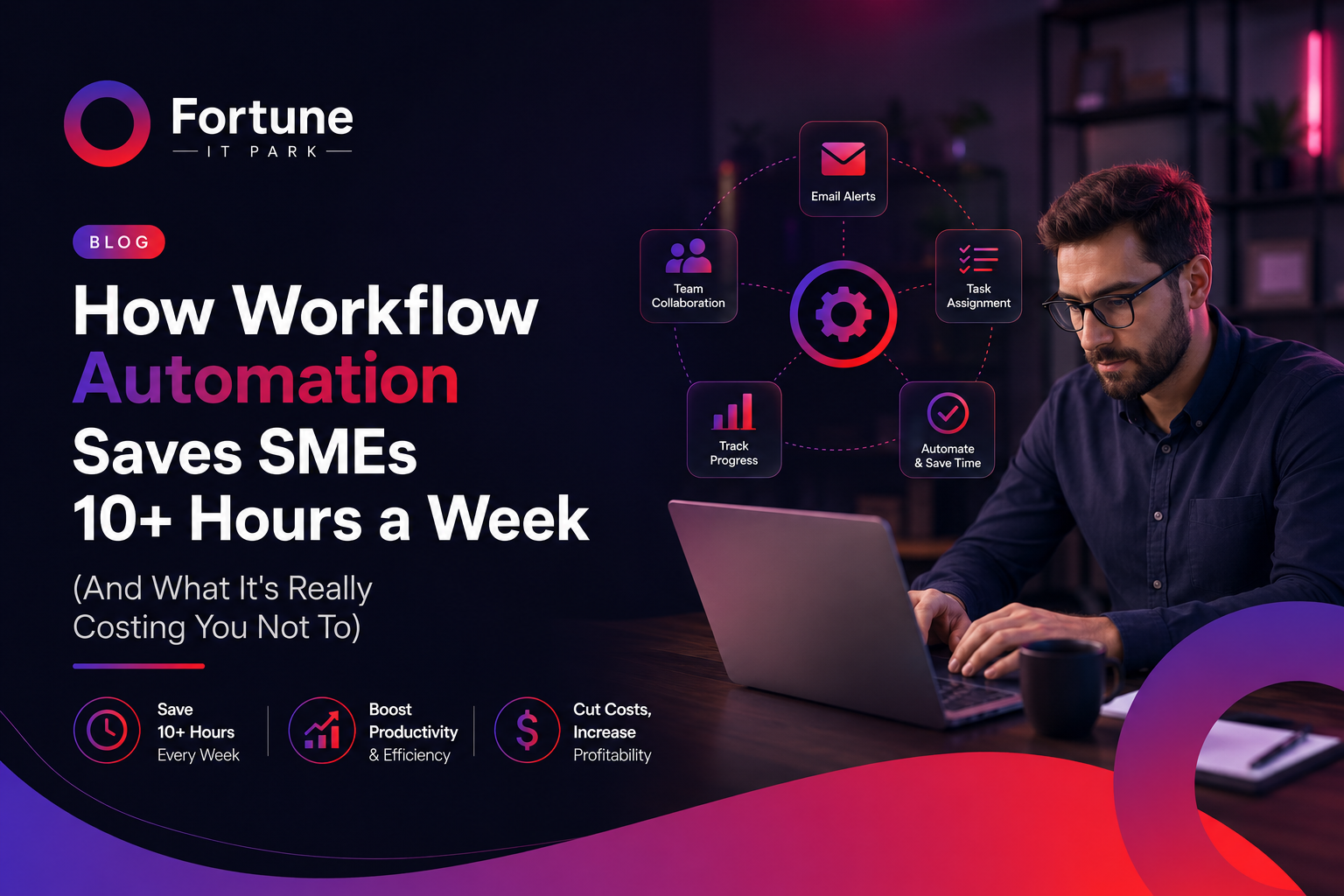
Workflow automation means using software to handle repetitive, rule-based tasks that currently eat up your team’s time — things like data entry, sending reminders, generating reports, updating spreadsheets, or moving information between tools that don’t talk to each other.
It’s not about replacing your team. It’s about removing the parts of their job that shouldn’t require a human in the first place, so they can focus on the work that actually grows your business.
The Real Cost of Manual Processes
Most business owners underestimate how much manual work is quietly costing them. It usually shows up as four recurring problems:
1. Data entry and admin that never ends Someone on your team is likely copying information from one system to another, every single day. It’s slow, repetitive, and prone to human error.
2. Manual reporting, follow-ups, and reminders Reports get built by hand. Client follow-ups get missed because no one remembered to send them. None of this requires human judgment — it just requires consistency, which software is far better at than people.
3. Processes that break when one person is absent If a single employee goes on leave and a process stops working, that’s not a staffing gap — it’s a process built around a person instead of a system.
4. Disconnected tools that don’t talk to each other Most SMEs run five, ten, sometimes fifteen different tools — a CRM, an accounting tool, a scheduling app, spreadsheets — none of which are connected. Someone has to manually bridge that gap every day.
Individually, these look like small inconveniences. Added up, they can cost a business dozens of hours a week — hours that translate directly into lost revenue and slower growth.
What Changes When You Automate
We’ve seen this play out across real client projects:
- SAR Automotive (UK) cut manual work by 70% and saved over 8 hours every week after we automated their internal workflows.
- GreenTech Solutions (US) achieved 3x faster client onboarding with a fully automated pipeline, replacing what used to be a manual, multi-step process.
- Nova Finance (UAE) reduced operational costs by 50% and saved 12+ hours weekly by automating reporting and internal follow-ups.
In each case, the pattern is the same: the business wasn’t short on effort — it was short on systems. Once the right workflows were automated, the same team suddenly had capacity for work that actually moves the business forward.
Is Your Business Ready for Automation?
You’re likely a strong candidate for workflow automation if you notice any of the following:
- Your team spends hours weekly on tasks like data entry, scheduling, or reporting
- The same manual steps get repeated every day, week, or month
- Mistakes happen because a task depends on someone remembering to do it
- Your tools (CRM, accounting, project management, etc.) don’t sync with each other
- Growth feels blocked — not by demand, but by how much manual work your team can handle
If two or more of these sound familiar, automation isn’t a “nice to have” anymore — it’s the fastest lever you have to unlock more capacity without hiring.
How Fortune IT Park Approaches Automation
Every business runs differently, so we don’t start with software — we start with your workflow. Our process typically looks like this:
- Audit — We map out where your team’s time is actually going and identify the biggest bottlenecks.
- Design — We design a custom automation workflow around how your business already operates, not a rigid, one-size-fits-all template.
- Build & Integrate — We connect your existing tools into one seamless system, so information flows automatically instead of being moved by hand.
- Scale — As your business grows, the systems we build grow with it, and we can support you further with custom software or additional engineering capacity through staff augmentation.
This is also why automation, custom software development, and staff augmentation tend to go hand in hand for our clients — once the manual bottlenecks are gone, many businesses find they need smarter internal tools or extra engineering hands to keep up with their new pace.
The Bottom Line
Manual processes don’t just cost time — they cap how big your business can get before things start to break. The businesses pulling ahead in 2026 aren’t necessarily working harder or hiring faster. They’re building better systems that work in the background, 24/7, without needing a person to push every step forward.
If your team is buried in repetitive admin work, follow-ups, or disconnected tools, it might be time to see what a proper audit reveals.
Ready to see how much time your business could save? Book a free strategy call with Fortune IT Park and let’s find out what’s actually possible for your workflow.