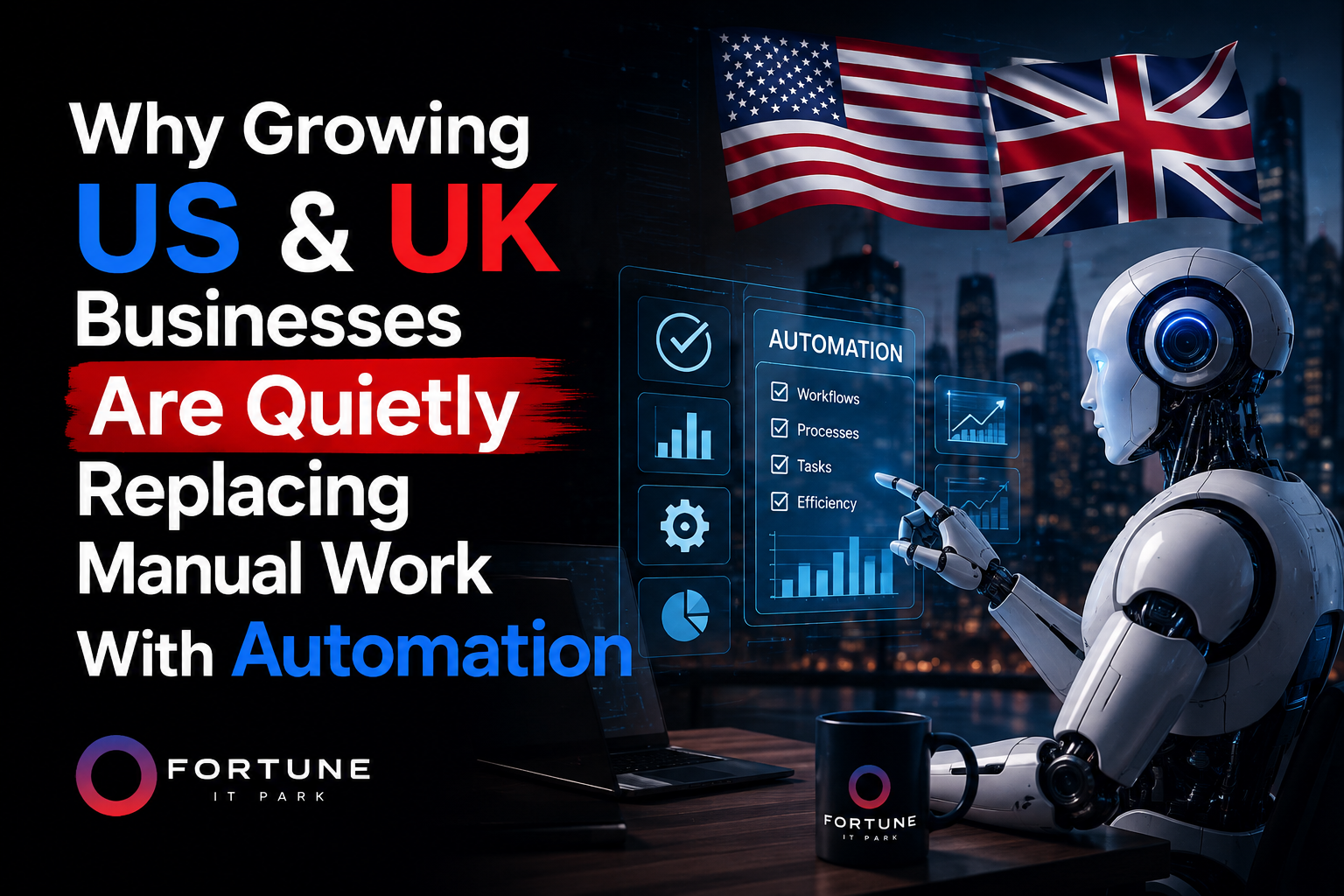
Why Growing US & UK Businesses Are Quietly Replacing Manual Work With Automation

If that sounds familiar, you’re not behind. You’re just at the point every scaling business eventually hits, where the systems that got you here stop being enough to get you where you’re going.

Here’s what’s changed in the last couple of years: fixing this no longer requires a six-figure ERP overhaul or a year-long IT project. It requires knowing which pieces of your operation are actually worth automating, and building something that fits how you already work instead of forcing your team into someone else’s software.

The Real Cost of “We’ll Deal With It Later”

Manual processes don’t announce themselves as a problem. They just quietly tax everything.

A business owner we worked with recently described it well: nothing was technically broken, things just took longer than they should, and nobody could say exactly why. That’s usually the sign. Not a crisis, just friction, everywhere, all the time.

The pattern tends to look the same across industries:

  • Data entry and admin that never ends. Someone is manually moving information between your CRM, your invoicing tool, and a spreadsheet nobody else understands.
  • Reporting and follow-ups that depend on memory. Reminders get sent because someone remembered to send them, not because the system did.
  • Single points of failure. One employee goes on vacation and a process quietly stalls.
  • Disconnected tools. Your CRM doesn’t talk to your invoicing software, which doesn’t talk to your project management tool, so someone becomes the human API stitching it all together.

None of these show up as a single dramatic cost on a spreadsheet. They show up as hours, every week, that never get back.

What Automation Actually Looks Like in Practice

Automation gets talked about in the abstract a lot, so it helps to look at what it does in real operations.

Take a UK-based automotive services company. Before automation, staff were manually processing incoming jobs, scheduling, and follow-ups across separate tools. After a custom workflow build, manual work dropped by roughly 70%, freeing up more than eight hours a week that used to disappear into admin. That’s not a hypothetical efficiency gain. That’s a person getting a full working day back, every single week.

Or a US-based operations team that needed new clients onboarded faster and more consistently. A fully automated onboarding pipeline took onboarding from a multi-day, multi-person process to something that runs roughly three times faster, with far less room for something to fall through the cracks.

In both cases, the fix wasn’t “buy more software.” It was building automation specific to how that business already operated, so the tools adapted to the team instead of the other way around.

How to Tell If Your Business Is Ready for This

Not every process needs automating, and not every business needs it right now. A few honest questions tend to sort this out quickly:

Is the task repetitive and rule-based? If a human is following the same steps every time with little judgment involved, like data entry, invoice processing, or sending standard follow-ups, it’s very likely automatable.

Does the process depend on one person remembering to do it? That’s a fragility problem as much as an efficiency one.

Do your tools already hold the data, but nobody’s connecting the dots? Often the information already exists in your CRM or ERP. The gap is that nothing is set up to move it automatically between systems.

Is growth going to make this worse, not better? A manual process that’s merely annoying at your current size can become genuinely unworkable once volume doubles.

If two or more of these sound like your business, it’s worth a real look. If none of them do, that’s useful information too. Automation should solve a specific problem, not get added because it’s trendy.

Why This Matters More for US & UK Businesses Specifically

Labor costs, compliance requirements, and customer expectations around speed all put more pressure on US and UK SMEs to run lean than businesses in many other markets. A missed follow-up or a slow onboarding process isn’t just an internal inconvenience. It’s a competitive disadvantage against businesses that have already automated the same friction points.

The businesses pulling ahead right now generally aren’t the ones hiring the fastest. They’re the ones who’ve quietly rebuilt their internal systems so that growth doesn’t require proportional headcount growth. Fewer fires, more capacity, and a team spending its time on work that actually needs a human.

Getting Started Without the Overwhelm

The mistake a lot of businesses make is trying to automate everything at once. That’s usually how automation projects stall out. The better approach is to start with the one or two processes causing the most day-to-day friction, prove the impact, and expand from there.

A useful starting point is simply mapping where your team’s time actually goes for a week. Not where you assume it goes, where it actually goes. The bottlenecks tend to be obvious once they’re written down.

Frequently Asked Questions

Will automation replace my team? No. The goal is removing repetitive, low-value work so your team can focus on things that genuinely need human judgment, like client relationships and strategy. Most businesses see this as hours freed up, not headcount reduced.

How long does it take to automate a business process? It depends on scope, but a focused automation for a single process, like onboarding or reporting, can often be built and running within a few weeks. Larger, multi-system automations take longer.

Do we need to replace our existing software? Usually not. Most automation work integrates directly with the tools you already use, like your CRM or ERP, rather than ripping them out and starting over.

What’s a realistic first step? A short audit of your current workflow, identifying where time is being lost and which processes are the best candidates for automation, before any build work begins.


Fortune IT Park builds custom workflow automation and software for growing businesses across the US, UK, and Middle East. If manual work is quietly costing your team hours every week, book a free strategy call and we’ll map out where automation actually makes sense for your operation.
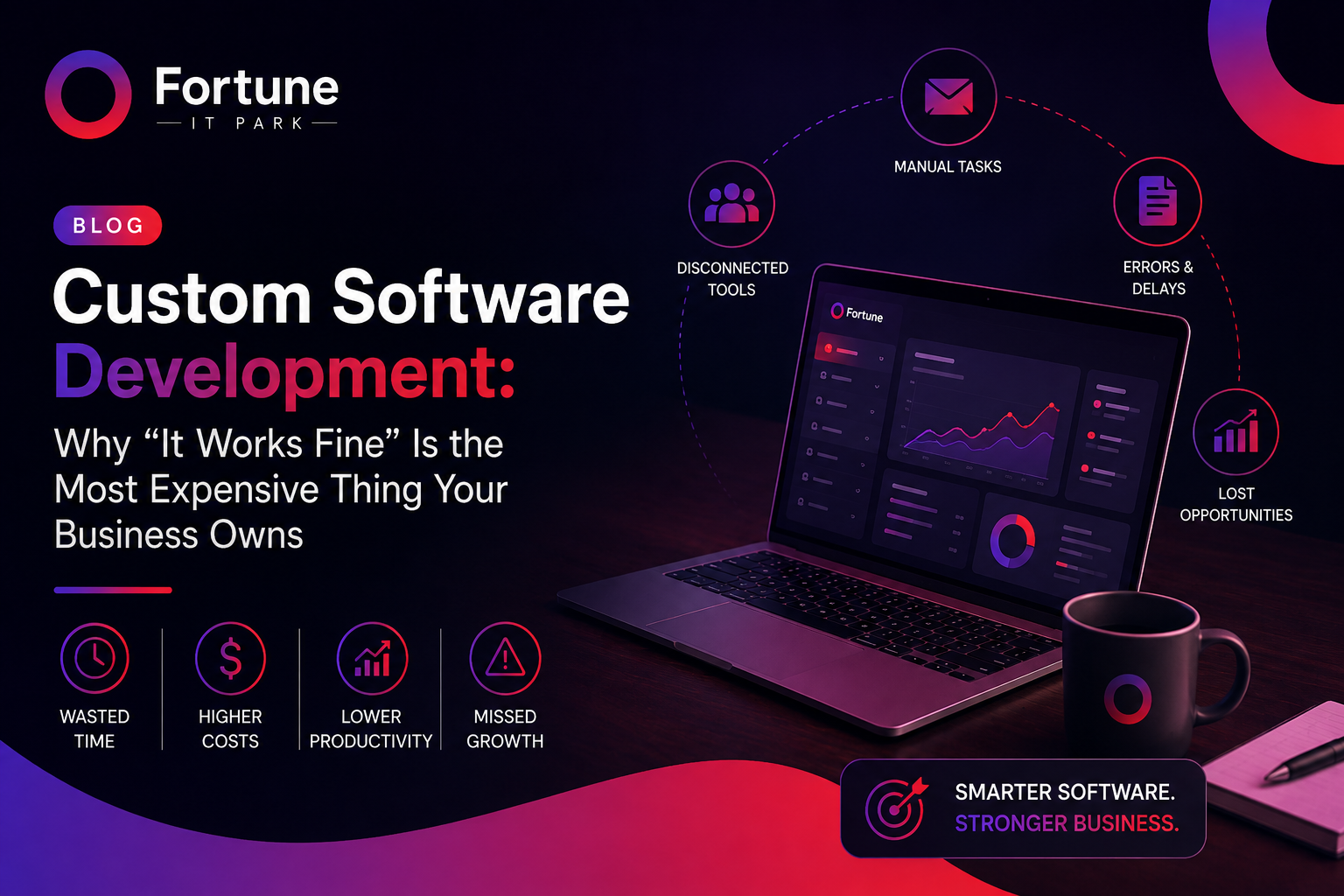
Custom Software Development: Why “It Works Fine” Is the Most Expensive Thing Your Business Owns

Every business we’ve ever worked with started the same way. Someone signed up for a CRM because it was the fastest way to stop losing leads in email threads. Someone else grabbed a project management tool because the spreadsheet had gotten out of hand. None of it was a bad decision at the time. It rarely is.

The problem shows up two or three years later, when you’ve got six tools running your business, half of them fighting each other, and a team that’s quietly built its own workarounds just to get through the week. Nobody planned for this. It just accumulates, the way clutter does, until one day someone asks “why does it take four people to close one deal?” and nobody has a good answer.

That’s usually the moment a business is ready to talk about custom software. Not because off-the-shelf tools are bad — they’re not, they’re genuinely useful for a lot of businesses — but because at a certain size and complexity, generic software starts costing you more than it saves. We’ve built software for companies across the US, UK, and Middle East who hit that exact wall, and the pattern is almost always the same.

What “Custom Software” Actually Means (Beyond the Buzzword)

Strip away the marketing language and custom software development is just this: building something that fits how your business actually runs, instead of asking your business to bend around whatever a vendor decided most companies need.

Sometimes that’s a CRM shaped around your real sales process instead of a generic pipeline. Sometimes it’s an internal tool that replaces the four spreadsheets someone’s been quietly maintaining. Sometimes it’s a full customer-facing platform, or a SaaS product you’re planning to sell to other businesses entirely. The shape changes. What doesn’t change is who it’s built for — one business, with its specific quirks, not the average of ten thousand businesses that bought the same off-the-shelf license.

That’s also the honest tradeoff. Off-the-shelf software is designed to be good enough for almost everyone. Custom software is designed to be exactly right for one.

Where the Real Cost Hides

Nobody looks at their software subscription bill and thinks “this is bankrupting us.” The cost of settling for “good enough” doesn’t show up on an invoice. It shows up somewhere quieter.

We see it most often in five places.

The tool does 80% of what you need, and you’re paying for the other 20% you’ll never get. Off-the-shelf platforms are priced to satisfy their most demanding customer while being built for their average one. You end up carrying features you’ll never touch, and missing the one that would’ve actually made a difference.

Someone on your team has become the human patch for your software. Every business we’ve worked with has one — a person with a personal spreadsheet, a manual double-check, a “just send it to me and I’ll handle it” step that quietly holds the whole process together. That’s not a people problem. That’s your software telling you it’s not actually doing its job.

Your tools don’t talk to each other, so your team does the talking for them. Data gets copied from the CRM into the accounting tool by hand. Someone re-types the same customer information into three different systems in the same week. Every one of those manual handoffs is a place where something eventually goes wrong.

You’ve outgrown the platform, but switching feels riskier than staying. This is the trap. Migrating feels disruptive, so businesses stay a year, then two, quietly working around limitations that are getting more expensive with every month they’re tolerated.

The one thing that actually differentiates your business isn’t something generic software was built to support. If your edge is a specific process, a specific way you handle customers, a specific workflow that’s genuinely yours — a platform built for everyone can’t give you that. It wasn’t designed to.

None of these are catastrophic on their own. Together, they’re the difference between a business that scales cleanly and one that hits a ceiling it can’t quite explain.

How to Tell If You’re Ready for Custom

We ask clients a version of the same questions before any project starts, because the answer to “should we build custom” usually reveals itself pretty fast:

  • Are you running multiple tools that were never designed to work together, just patched into a workflow?
  • Has your team built manual workarounds to make the current setup usable?
  • Have you asked a vendor for something specific and been told it’s “not on the roadmap”?
  • Is the process you’re trying to support actually part of what makes your business different — not just generic operations?
  • Is per-seat or per-user pricing starting to punish you for growing?
  • Are you building something you intend to sell, not just something to run your own operations?

If two or more of those land, it’s worth at least scoping what custom would look like — even if the answer ends up being “not yet.” A scoping conversation costs you an hour. Staying on the wrong system for another year costs a lot more.

What Changes When Businesses Actually Make the Switch

The specifics are different every time, but the shape of the change is almost always the same. Teams that were re-entering the same data into three systems stop doing that entirely. Reports that used to take half a day to compile start generating themselves. Sales teams stop losing deals to slow follow-up because the system finally tracks what it’s supposed to track. Customer support stops drowning in the same repeat questions because a portal now answers them automatically.

None of that is a dramatic before-and-after story — it’s just friction disappearing, week after week, until someone on the team eventually says “how did we used to do this manually?”

(We’re keeping this section general for now rather than inventing client names or numbers we can’t back up. Once you’ve got a project or two you’re happy sharing publicly, swap this for 1–2 real examples with real results — that will outperform generic claims by a wide margin for both SEO and trust.)

How We Actually Build It

We don’t open with a tech stack conversation. We open with how your business runs today, because software built without that context tends to solve the problem someone described instead of the problem that’s actually there.

  1. Discovery. We map your current process — the tools, the workarounds, the bottlenecks nobody’s said out loud yet. This is usually where the real scope of the project becomes clear, and it’s often different from what the initial ask sounded like.
  2. Architecture & design. We design around how your team actually works and how the business needs to scale, not around a template that happens to be flexible enough to sell to everyone.
  3. Build & integrate. We build the system and connect it into what you’re already running, so your team isn’t relearning everything on day one — they’re getting the parts that were broken fixed.
  4. Test against real use, not a checklist. Software that passes a QA checklist and software that survives actual daily use by your team are two different things. We test for the second one.
  5. Support it as your business changes. A custom build isn’t a one-time delivery. Businesses evolve, and the software needs to evolve with them — which is often where staff augmentation or workflow automation comes in as the next step, once the core system is solid.

Custom Software vs. Off-the-Shelf: The Honest Comparison

Off-the-Shelf SoftwareCustom Software
Fit to your processBuilt for the average customerBuilt for your exact workflow
Upfront costLowerHigher
Long-term costGrows with per-seat pricing as you scaleFixed investment, no recurring licensing bloat
FlexibilityLimited to the vendor’s roadmapChanges when your business needs it to
IntegrationOften limited, sometimes costly add-onsBuilt to connect exactly where you need it
Competitive edgeThe same tool your competitors are usingBuilt around what actually makes you different

To be clear — this isn’t a case for custom software being the right answer for everyone. If your process is genuinely standard, an off-the-shelf tool is often the faster, cheaper, and smarter choice. Custom makes sense when your business has outgrown what a generic tool was ever meant to handle, not before.

Questions We Get Asked Before Every Project

How much does custom software development actually cost? Honestly, it depends on scope in a way that makes a fixed price list dishonest. A focused internal tool is a very different investment from a full customer-facing SaaS platform. We quote after a discovery call, once we know what’s actually being built.

How long does a custom build take? A single, well-scoped internal tool can often be live within weeks. Larger platforms with multiple integrations or a public-facing product take longer — we scope realistic timelines during discovery so there are no surprises halfway through.

Is this actually worth it for a small or mid-sized business, or is it just for enterprises? It’s worth it once you’re paying for multiple overlapping tools or your team is running manual workarounds to make software usable. If your process is standard and an existing tool covers it well, custom isn’t necessary yet — and we’ll tell you that.

What’s the difference between custom software and building a SaaS product? Custom software is usually built for one business’s internal use. A SaaS product is custom-built software meant to be sold to many customers. We build both — internal tools that fix operational friction, and full SaaS platforms for businesses building something to sell.

Do you work with companies outside the US? Yes. We build custom software, CRMs, and internal platforms for clients across the US, UK, and Middle East.

The Bottom Line

Off-the-shelf software isn’t the villain here. For a lot of businesses, it’s exactly the right tool. But there’s a point where “it works fine” starts quietly costing more than it’s saving — in hours, in mistakes, in the ceiling it puts on how fast you can actually grow.

If your team is spending more time working around your software than working with it, that’s usually the clearest sign it’s time to have a real conversation about building something custom.

Want an honest read on whether custom software makes sense for where you are right now? Book a free strategy call with Fortune IT Park and we’ll tell you straight, even if the answer is “not yet.”

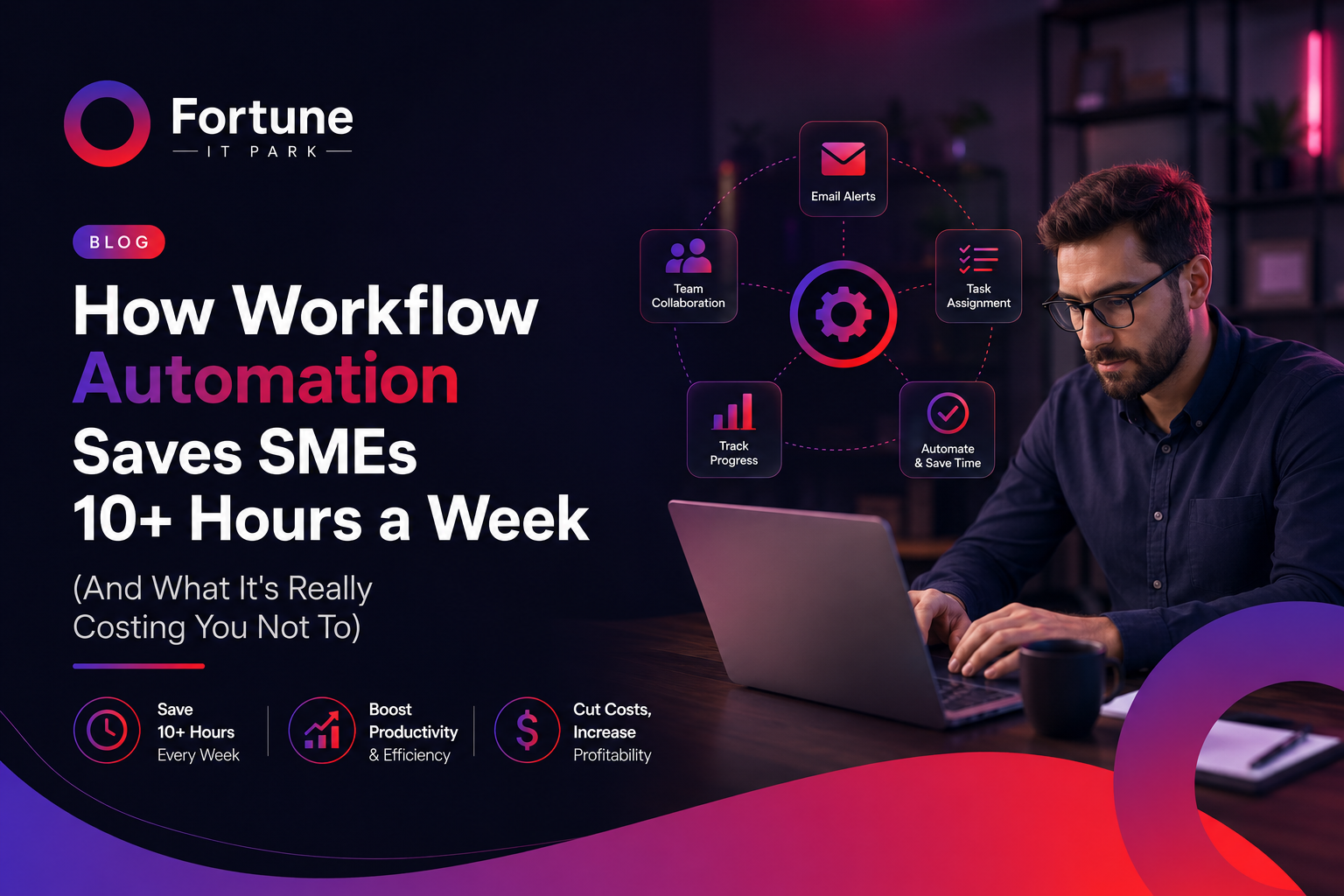
Workflow Automation for Small Business: Save 10+ Hours a Week

If you run a growing business, you already know the feeling: your team is busy every single day, yet the business doesn’t seem to be moving any faster. Invoices get typed manually. Follow-up emails get forgotten. Reports take half a day to compile. And the moment one key person is on leave, an entire process grinds to a halt.

This isn’t a people problem. It’s a systems problem — and it’s one of the most common reasons small and mid-sized businesses (SMEs) plateau instead of scale.

At Fortune IT Park, we work with SMEs across the US, UK, and Middle East to fix exactly this. Here’s what we’ve learned about workflow automation, why it matters more in 2026 than ever before, and how to know if your business is ready for it.

What Is Workflow Automation, Really?

Workflow automation means using software to handle repetitive, rule-based tasks that currently eat up your team’s time — things like data entry, sending reminders, generating reports, updating spreadsheets, or moving information between tools that don’t talk to each other.

It’s not about replacing your team. It’s about removing the parts of their job that shouldn’t require a human in the first place, so they can focus on the work that actually grows your business.

The Real Cost of Manual Processes

Most business owners underestimate how much manual work is quietly costing them. It usually shows up as four recurring problems:

1. Data entry and admin that never ends Someone on your team is likely copying information from one system to another, every single day. It’s slow, repetitive, and prone to human error.

2. Manual reporting, follow-ups, and reminders Reports get built by hand. Client follow-ups get missed because no one remembered to send them. None of this requires human judgment — it just requires consistency, which software is far better at than people.

3. Processes that break when one person is absent If a single employee goes on leave and a process stops working, that’s not a staffing gap — it’s a process built around a person instead of a system.

4. Disconnected tools that don’t talk to each other Most SMEs run five, ten, sometimes fifteen different tools — a CRM, an accounting tool, a scheduling app, spreadsheets — none of which are connected. Someone has to manually bridge that gap every day.

Individually, these look like small inconveniences. Added up, they can cost a business dozens of hours a week — hours that translate directly into lost revenue and slower growth.

What Changes When You Automate

We’ve seen this play out across real client projects:

  • SAR Automotive (UK) cut manual work by 70% and saved over 8 hours every week after we automated their internal workflows.
  • GreenTech Solutions (US) achieved 3x faster client onboarding with a fully automated pipeline, replacing what used to be a manual, multi-step process.
  • Nova Finance (UAE) reduced operational costs by 50% and saved 12+ hours weekly by automating reporting and internal follow-ups.

In each case, the pattern is the same: the business wasn’t short on effort — it was short on systems. Once the right workflows were automated, the same team suddenly had capacity for work that actually moves the business forward.

Is Your Business Ready for Automation?

You’re likely a strong candidate for workflow automation if you notice any of the following:

  • Your team spends hours weekly on tasks like data entry, scheduling, or reporting
  • The same manual steps get repeated every day, week, or month
  • Mistakes happen because a task depends on someone remembering to do it
  • Your tools (CRM, accounting, project management, etc.) don’t sync with each other
  • Growth feels blocked — not by demand, but by how much manual work your team can handle

If two or more of these sound familiar, automation isn’t a “nice to have” anymore — it’s the fastest lever you have to unlock more capacity without hiring.

How Fortune IT Park Approaches Automation

Every business runs differently, so we don’t start with software — we start with your workflow. Our process typically looks like this:

  1. Audit — We map out where your team’s time is actually going and identify the biggest bottlenecks.
  2. Design — We design a custom automation workflow around how your business already operates, not a rigid, one-size-fits-all template.
  3. Build & Integrate — We connect your existing tools into one seamless system, so information flows automatically instead of being moved by hand.
  4. Scale — As your business grows, the systems we build grow with it, and we can support you further with custom software or additional engineering capacity through staff augmentation.

This is also why automation, custom software development, and staff augmentation tend to go hand in hand for our clients — once the manual bottlenecks are gone, many businesses find they need smarter internal tools or extra engineering hands to keep up with their new pace.

The Bottom Line

Manual processes don’t just cost time — they cap how big your business can get before things start to break. The businesses pulling ahead in 2026 aren’t necessarily working harder or hiring faster. They’re building better systems that work in the background, 24/7, without needing a person to push every step forward.

If your team is buried in repetitive admin work, follow-ups, or disconnected tools, it might be time to see what a proper audit reveals.

Ready to see how much time your business could save? Book a free strategy call with Fortune IT Park and let’s find out what’s actually possible for your workflow.